
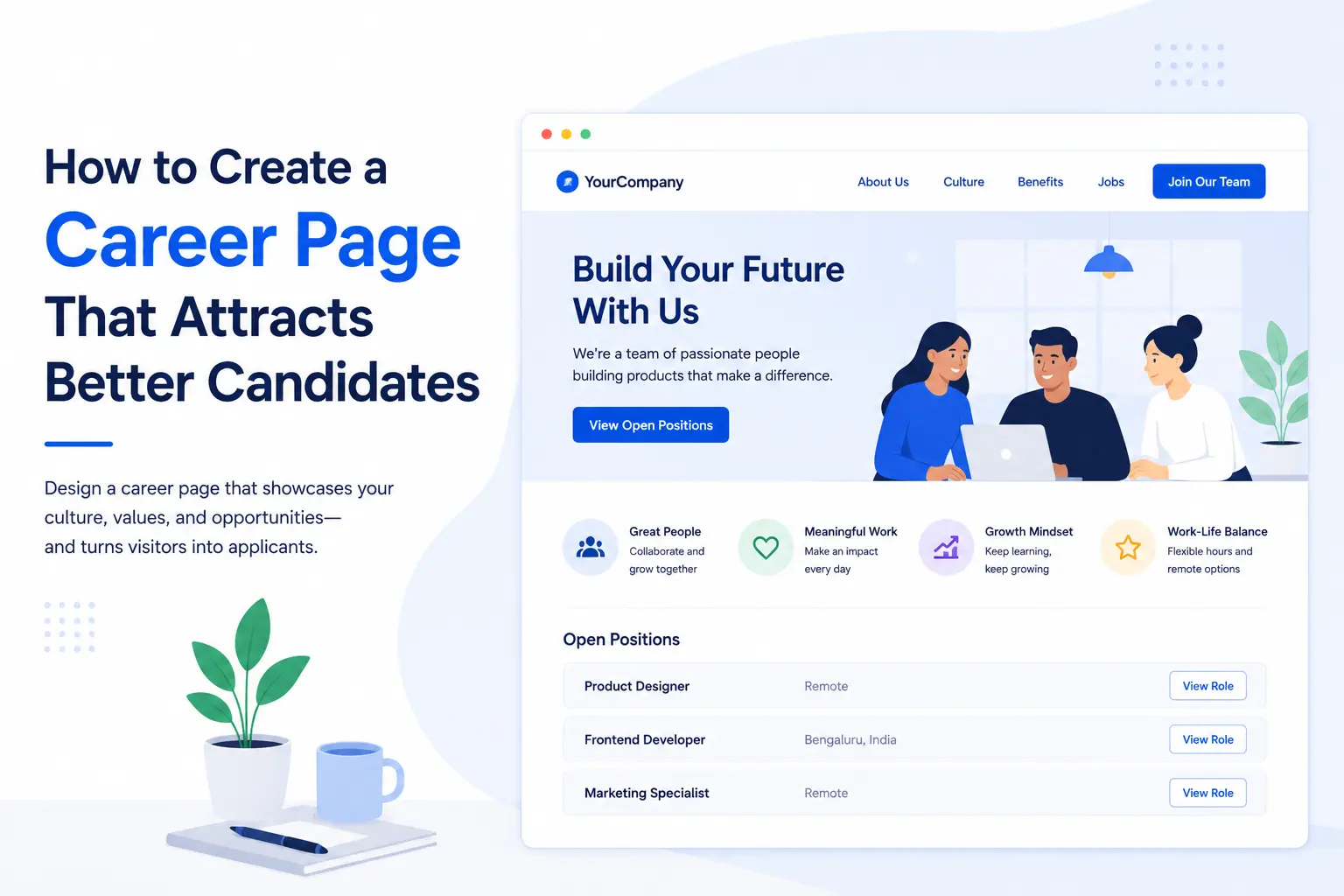
Your career page on the website is often the last thing a candidate sees before deciding whether to apply or move on. Most small businesses either skip it entirely or leave an HR email address on the website and ask people to send their resumes. That might seem harmless, but it creates real problems.
86% of job seekers research a company's reviews as an employer before applying, which means your career page is doing more work than you realise.
When applications pile up in a shared inbox, there is no structure. You cannot filter strong candidates from weak ones. And your HR team ends up spending hours organising emails instead of actually hiring people. Knowing how to create a career page eliminates all of that.
What a Strong Career Page Actually Needs
Content comes before design. Before you think about colours, fonts, or layouts, you need to make sure your page answers the three questions every candidate is silently asking when they land there: What is it like to work here? What roles are currently open? And what happens after I hit apply?
Get those three answers right, and you have already built a more useful career page on your website than most companies ever manage.
Good employer branding has been shown to deliver a 50% increase in the number of qualified candidates applying and a 28% reduction in staff turnover. That is a meaningful return for something most companies treat as an afterthought.
The five things that genuinely move candidates from browsing to applying are a clear Employee Value Proposition, authentic photos and videos of your real team rather than stock imagery, employee testimonials that include a name, a photo, and a job title, a job listings section that is easy to search and filter, and a simple visible breakdown of what your hiring process looks like from start to finish.
How To Create a Career Page: The Key Steps
Here is how to create a career page with 8 simple steps:
Make it easy to find:
Your career page should be linked from your website footer or main navigation using a label like "Careers" or "Join Us." It should also show up when someone searches your site. If candidates have to dig for it, many of them simply will not bother.
Start with an honest headline.
The first thing a visitor reads should tell them something real about your company. Skip the fluff and write the way your best employees actually describe working there. Two or three genuine sentences will do more than a paragraph of polished marketing language.
Be specific about your culture and benefits.
Words like "innovative" and "collaborative" appear on almost every career page on the internet, which means they say nothing at all. If you offer genuine flexibility, real career development, or remote working options, say so clearly and early. Candidates are increasingly making decisions based on these things, sometimes more than salary.
Keep your job listings clean and easy to search.
A messy listings page causes candidates to give up quickly. Give them filters for role, department, and location. Put a clear "View Open Roles" button near the top of the page so they do not have to scroll down to find it. And when a role is filled, remove it immediately so candidates are not wasting time applying for something that no longer exists.
For small teams who do not want to build a career page from scratch, Canspla's Career Page Integration is a straightforward solution. It adds a live, branded list of your open roles directly onto your existing website without any coding. It works with WordPress, custom-built sites, and most CMS platforms, and the setup takes under a minute. What makes it genuinely useful for small HR teams is that every application is automatically ranked by match percentage against your job description, so instead of sorting through a flooded inbox, your team can go straight to the candidates most likely to be a good fit.
Write job descriptions that are easy to read.
Use plain language, bullet points for responsibilities and requirements, and accurate job titles that people are actually typing into search engines. Titles that are overly creative or vague will hurt your visibility in search results and confuse candidates about what the role actually involves.
Make the application itself as simple as possible.
Let candidates upload their resume rather than forcing them to manually type out their entire work history in a form. Every extra step between "interested" and "applied" is an opportunity for a good candidate to abandon the process. CANSPLA provides clean minimal job application form to increase conversion rate.
Tell people what to expect after they apply.
This is something most career pages on websites completely forget to do. A brief automated email confirming receipt and giving a rough timeline costs almost nothing to set up, but it reduces candidate anxiety and leaves a lasting positive impression of your company even before any hiring decision is made. With CANSPLA, sending automated confirmation email is just a click away.
Make sure it works well on a phone.
More than 90% of candidates browse and apply for jobs on mobile devices. A page that is slow to load or difficult to navigate on a small screen is quietly turning away the majority of your potential applicants before they read a single word about your company.
A Quick Audit Checklist
Before you publish, check these boxes:
-
Does the page open with a clear EVP rather than a list of job openings?
-
Are real team photos used instead of stock images?
-
Do testimonials include a name, photo, and job title?
-
Is compensation or a salary range clearly mentioned?
-
Can candidates filter listings by department and location?
-
Does the page load in under three seconds on mobile?
-
Is there a post-application confirmation with a timeline?
-
Are filled roles removed promptly?
The Bottom Line
A career page that converts requires clarity on what makes your company worth joining, a job-listing experience that does not frustrate people, an application process that respects candidates' time, and a clear signal of what happens after they hit submit.
Start by working through the audit checklist above and identifying the biggest gaps. Then commit to treating your career page as a living part of your recruitment process rather than something you set up once and forget. That shift in thinking is what separates the companies that attract great candidates from the ones that wonder why they cannot find them.
Frequently Asked Questions
How many sections should a career page have?
At minimum, four: an EVP hero section, a culture and benefits section, a searchable job listings section, and a testimonials area.
How often should I update my career page on the website?
Do a full review every quarter. If you use CANSPLA, your live job listings stay in sync with your dashboard automatically, so filled roles are never left behind by mistake.
How do I know if my career page is actually working?
Track application volume, bounce rate, and time on page. Ask new hires during onboarding whether the career page influenced their decision to apply.
What should a career page include for a small company?
A genuine opening statement, one or two real employee quotes, a current list of open roles, and a simple application process. Keep it honest and straightforward, and it will do its job.